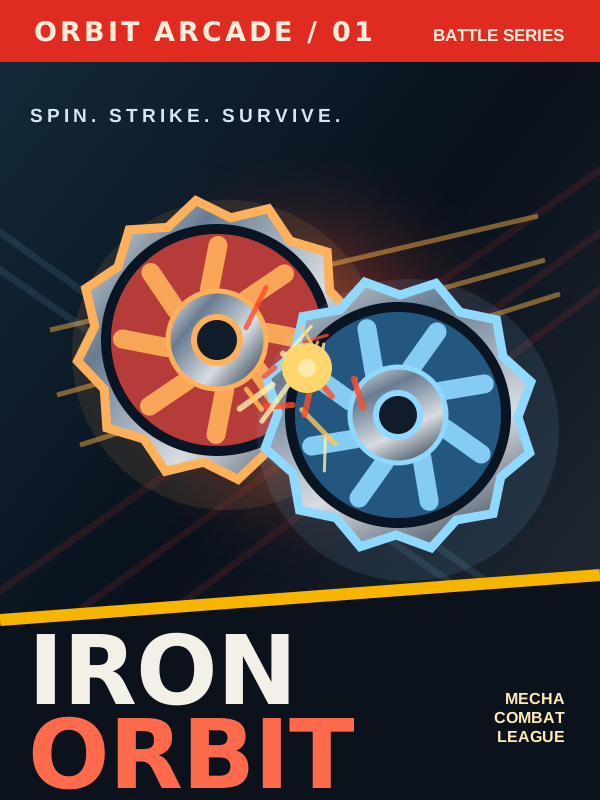
IRON ORBIT
Choose your top. Own the stadium.
Choose your spinning top and press Enter to launch.
HOW TO PLAY
Click the arena to focus it. Select a spinning top and press Enter to launch.
Steer your top
W A S D to move in the arena.
Boost
Hold Shift for speed. It uses extra RPM.
Drive Lock
Double-tap Shift to chase your rival automatically.
Attack
Q for an ability. Space for your special attack.
More controls: menus, clashes & two players
Menus: Use A/D or the arrow keys to choose a top, 1–6 to pick a stadium, M for game mode, C for the workshop, B for the archive, T for the tournament, and Enter to begin.
Player one: C counters a clash, R changes tip mode, and F changes stance when available.
Player two: Arrow keys move, Right Shift boosts, backslash triggers an ability, Enter uses the special attack, and Numpad 1 counters a clash.
Pause: Press Esc during a battle or use the Pause button above.